
#
Uninstall
#
Easy Uninstall
Inside the CommandPost DMG package is an uninstall application:
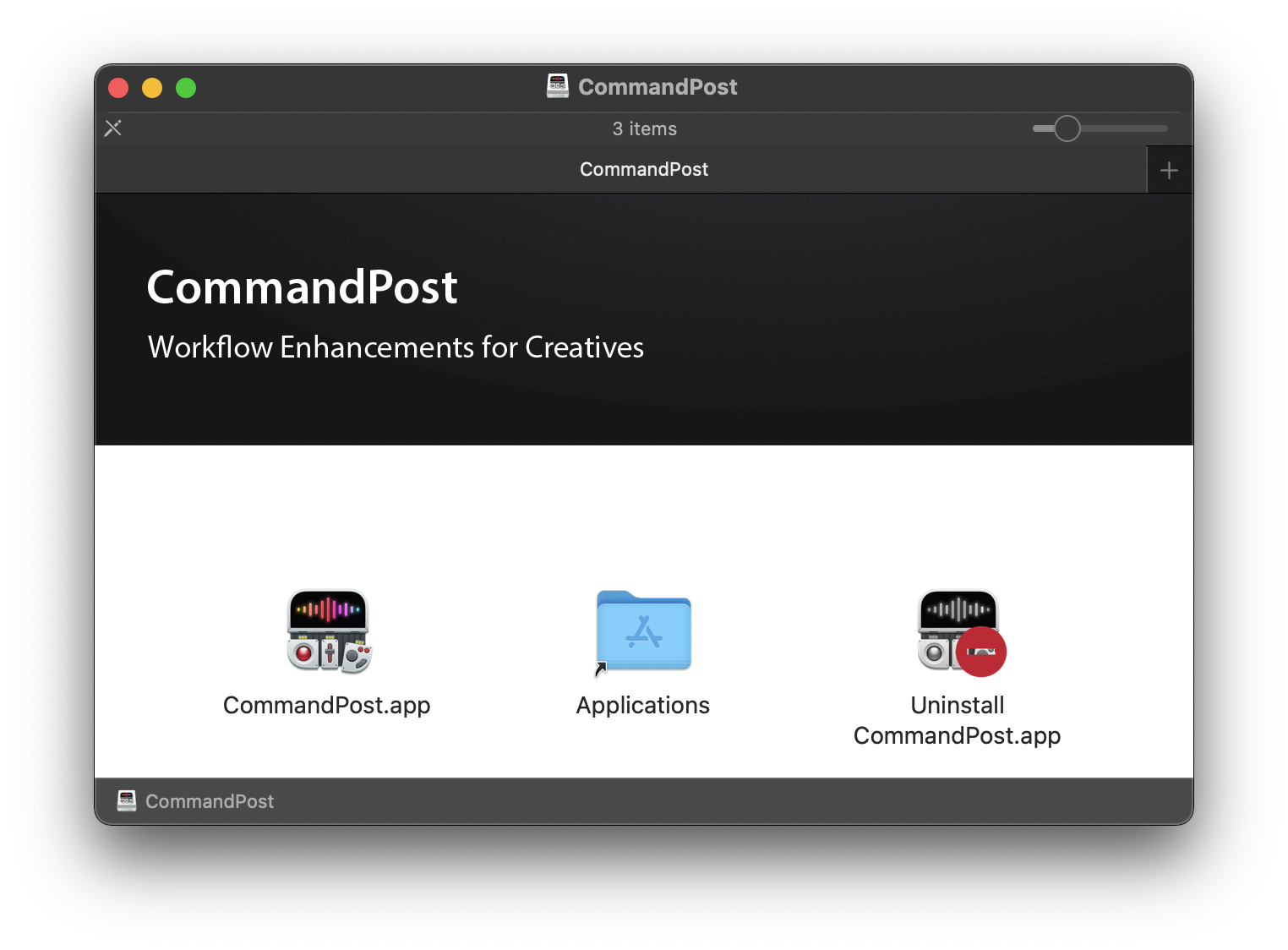
By running this Uninstall application it will remove everything related to CommandPost, including your Preferences and Settings.
You can just run this Uninstall application from the DMG package, or you can save it in your Applications Folder if you want to keep it for later (although you can also just re-download the DMG later down the line too).
If you have enabled Enable Moving Markers, or changed the Smart Collection Label or Backup Interval, you should change these settings back to their defaults prior to uninstalling CommandPost.
If you have enabled Waveform Drawing, Rendering During Playback, Show Timeline in Viewers, or Hidden FCPXML Import/Export Options you can trash the Final Cut Pro preferences by holding down OPTION+COMMAND when you launch Final Cut Pro to reset these values if you've already uninstalled CommandPost.
#
Manual Uninstall
The CommandPost preferences are located at:
~/Library/Preferences/org.latenitefilms.CommandPost.plist
This file can also be dragged to the Trash to remove CommandPost’s Preferences.
Any user created Extensions, Plugins, Shortcuts or Tangent Settings are stored within:
~/Library/Application Support/CommandPost
These can be also be removed if required.
CommandPost's WebKit, Crashlytics & Sparkle caches are stored within:
~/Library/Application Support/org.latenitefilms.CommandPost
~/Library/Caches/org.latenitefilms.CommandPost
~/Library/WebKit/org.latenitefilms.CommandPost
~/Library/Caches/io.fabric.sdk.mac.data/org.latenitefilms.CommandPost
~/Library/Caches/com.crashlytics.data/org.latenitefilms.CommandPost
~/Library/Caches/com.apple.nsurlsessiond/Downloads/org.latenitefilms.CommandPost
These folders can also be removed if required.